Settings
The switches you'll actually use.
On your page, tap Settings. You can ignore most of this at first.
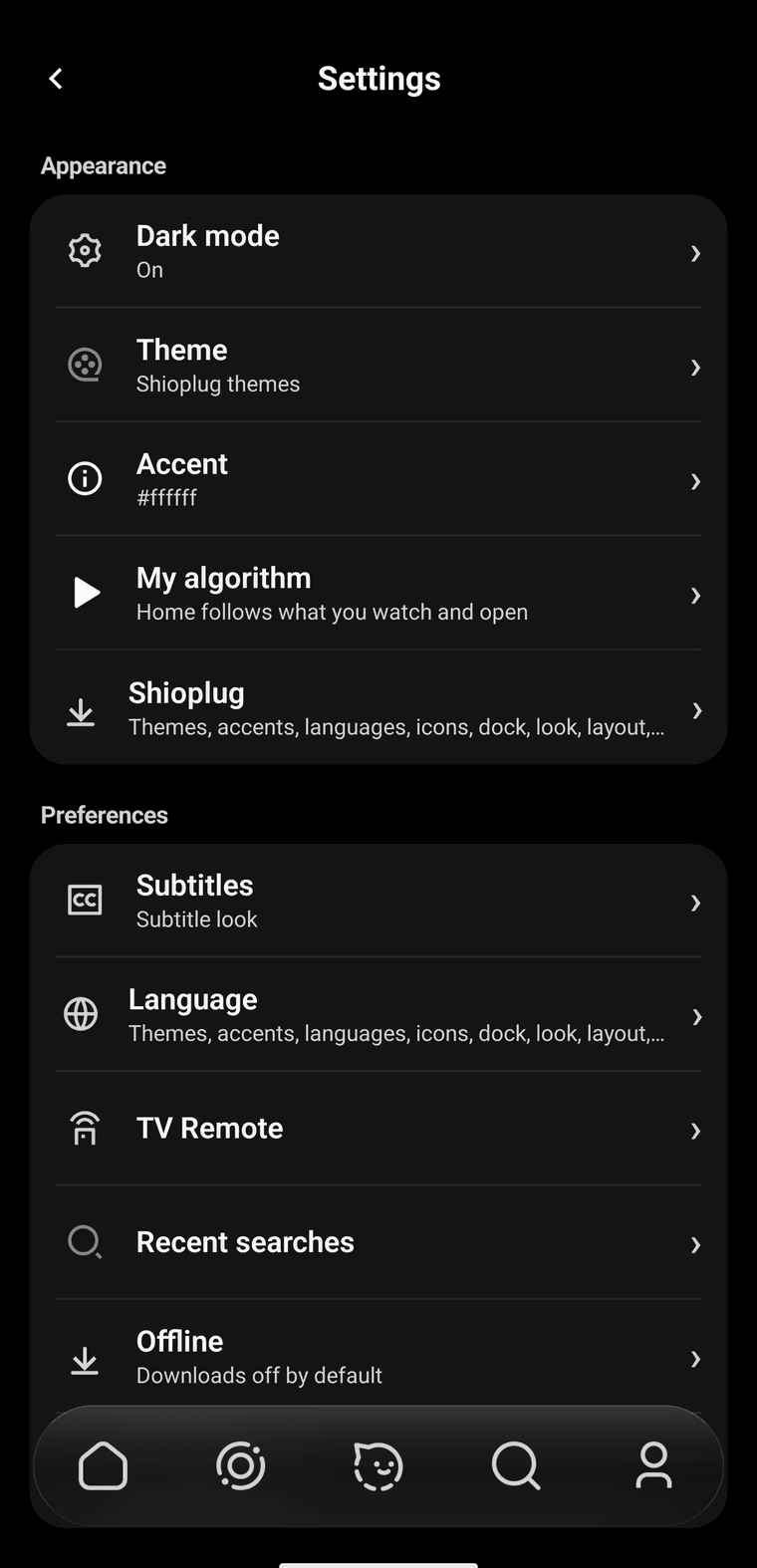
Appearance is the look. Preferences is the rest. The line under each name is the current choice.
- Dark mode. On is the black look. Off is the light one.
- Theme. Night, ember, slate, moss, or ocean for the dark look. Paper is the light one. Themes you install from shioplug show up here too.
- Accent. The color on the icon you picked, and on the filled pills.
- My algorithm. Lets home follow what you actually watch. Three switches, all on at the start. Turn them off if you want the normal rows back. The button at the bottom forgets what Shiopa learned.
- Shioplug. Extra packs. Extra packs explains them.
- Supermax. On by default. Automatically chooses a ready source and its highest available quality. Turn it off to use Direct for new playback.
- Subtitles. How the words look during a movie. Size, color, and how high they sit. There's a small preview. Language off means no captions. The movie still has to offer that language. If it doesn't, use Audio and subtitles inside the player.
- Language. Changes Shiopa's own words. Movie titles stay as they are.
- TV remote. Sends play and pause to another Shiopa screen. Skip it until you have one.
- Recent searches. What you typed. Clear wipes it.
- Offline. Downloads. It starts off, so nothing saves unless you want it to. Turn it on, then the movie page gets a download arrow. Saved videos show up on your page.
- Account. Optional. You don't need one to watch.
Tap the word Preferences seven times and a dev row appears. You can leave that alone.