Look around
Home, movies, shows, and the rows.
Tap the house to get back to the start.
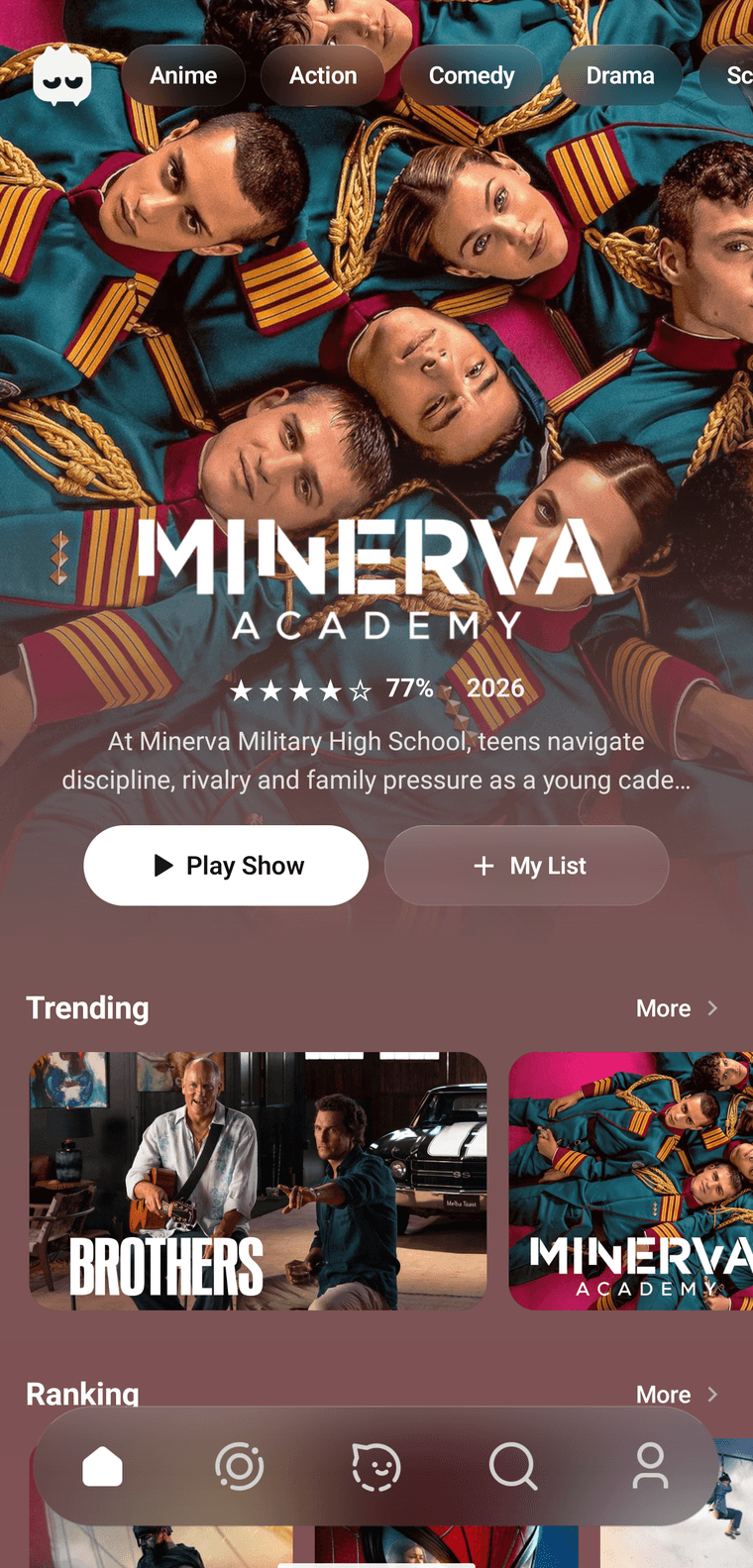
The big movie sits on top. Play starts it. My list saves it.
The big movie
The name sits on the picture. Under it is a short line about the story.
- Play starts it. If it's a show, the button can say Play show.
- My list saves it. Tap again and it comes off the list. While it's saved, the words change to Done.
The pills under the logo

Slide the pills sideways if you want more.
Anime, action, comedy, drama, and more.
Tap one. Anime opens anime. The others open search for that mood. The filled pill is the one you picked.
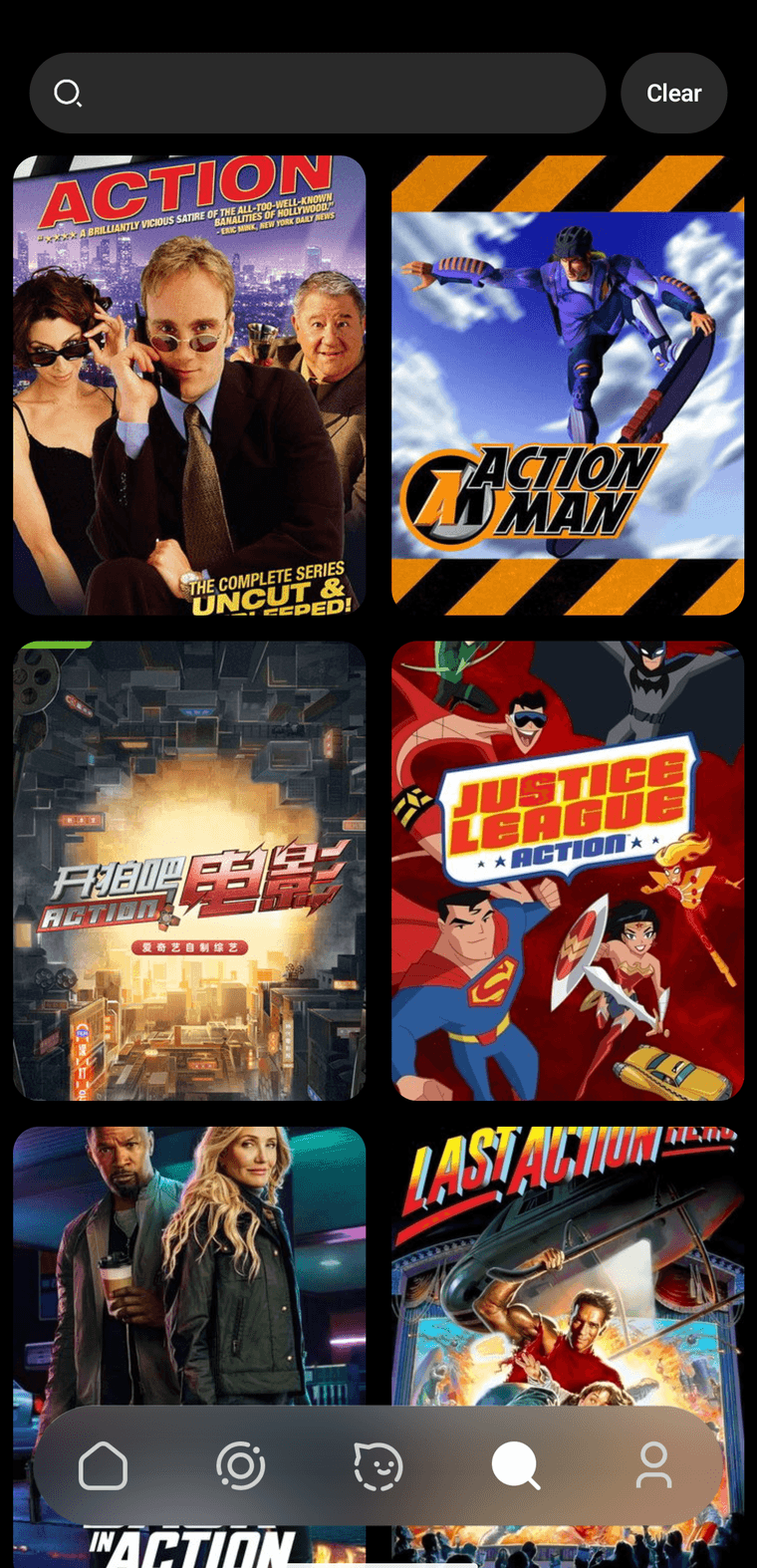
Action was tapped, so search opened with action movies already in it. Clear takes you back to an empty box.
The rows
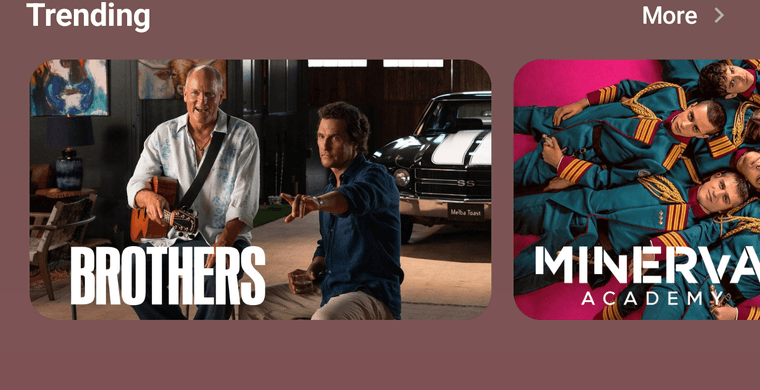
Trending is one row. Ranking and a few more sit under it. More opens that whole row.
Tap a poster when one looks good. A page slides up. That page is Play something.
Movies and shows
The film strip is movies. The TV is shows. Both are a wall of posters, and the pills up top still change what you see.
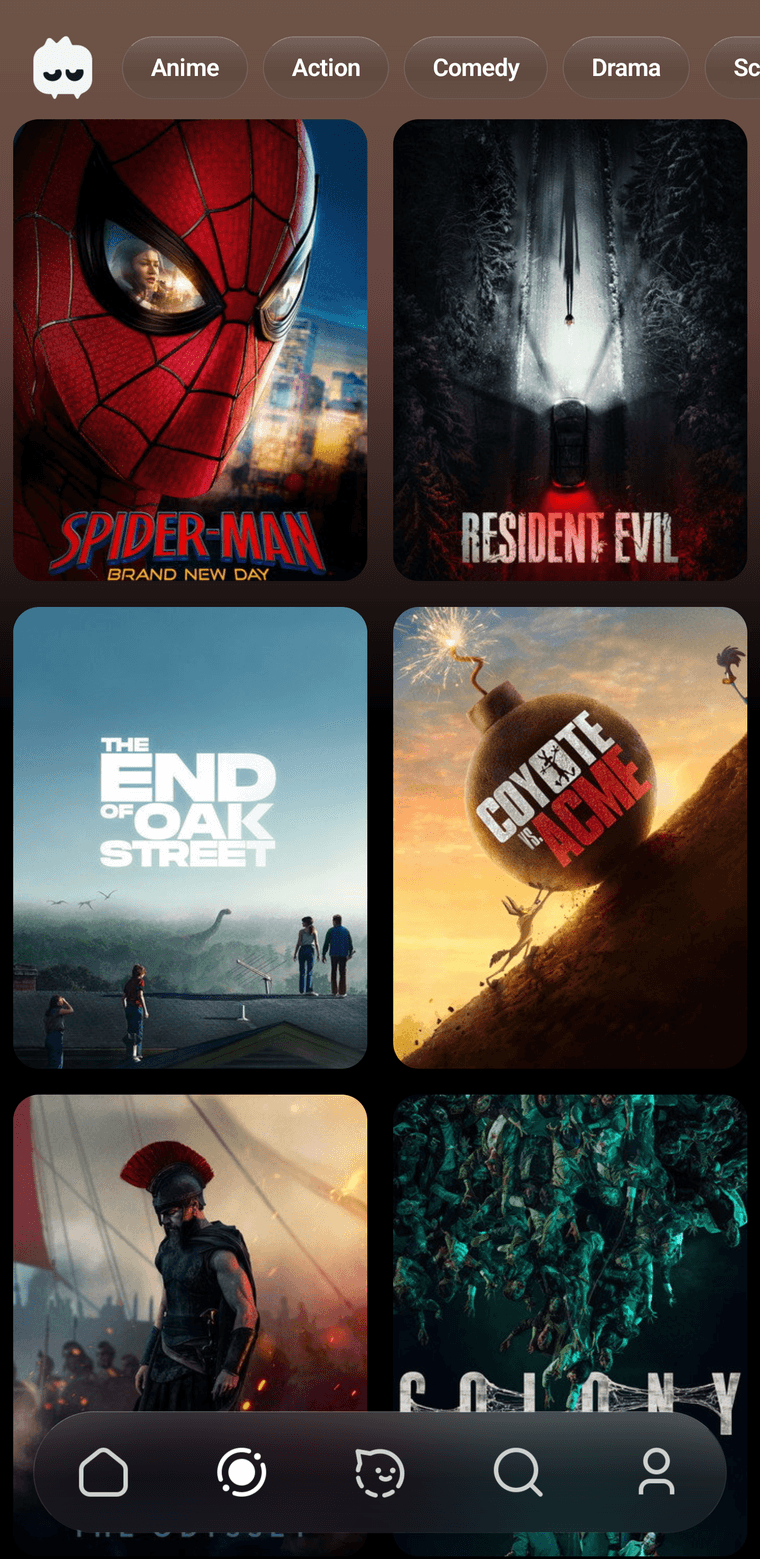
Movies. Tap a poster to open it.
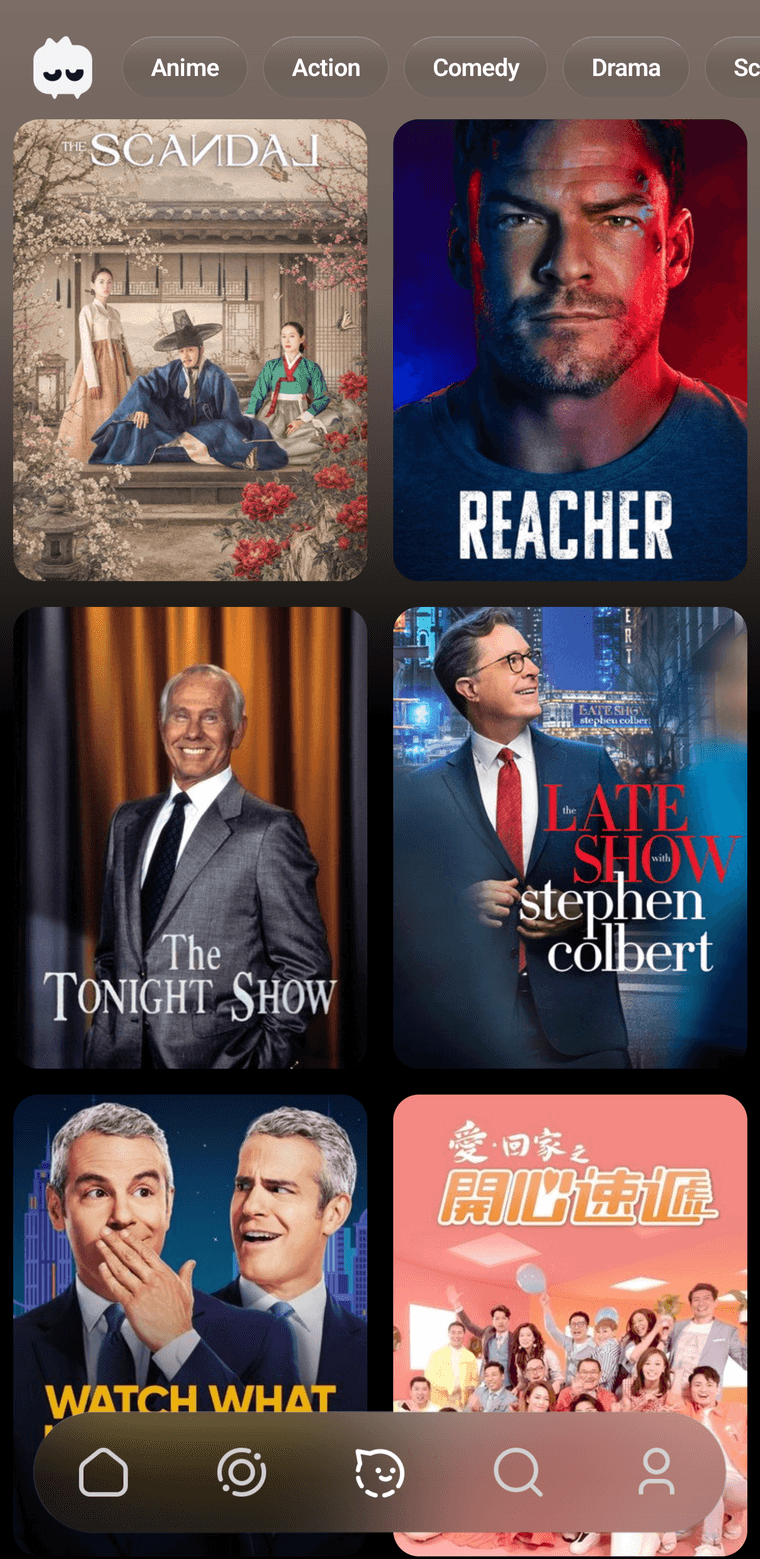
Shows. Same grid, series instead of films.