Bottom bar
The five icons along the bottom, and how to move them.
Five icons sit in a bar along the bottom. They stay there while you scroll, and you can still see the posters through the bar a little.

The filled icon is the page you're on. In this picture, that's home.
The bar hides while a movie is playing, and while a movie page is open. Leave those and it comes back.
The five icons
- House. Home. A big poster, a play button, and rows of movies.
- Film strip. Movies.
- TV. Shows.
- Magnifying glass. Search. Type a name.
- Person. You. Your list, what you started, and settings.
Tap another icon to go there.
Search
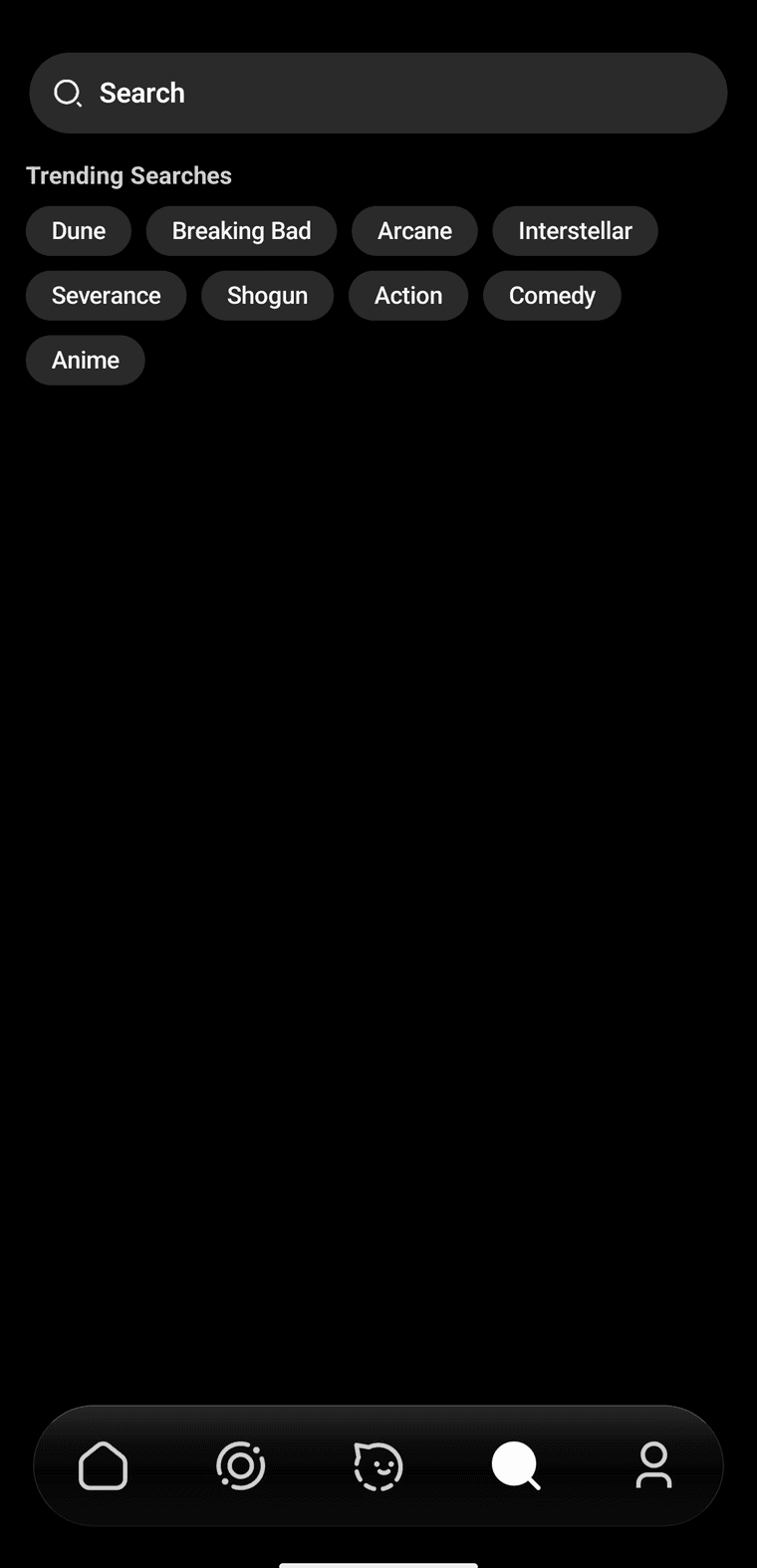
Tap a name, or type your own. The bar stays at the bottom.
After you look something up, Shiopa keeps it under recent searches. Clear wipes that list. Remove drops just one line.
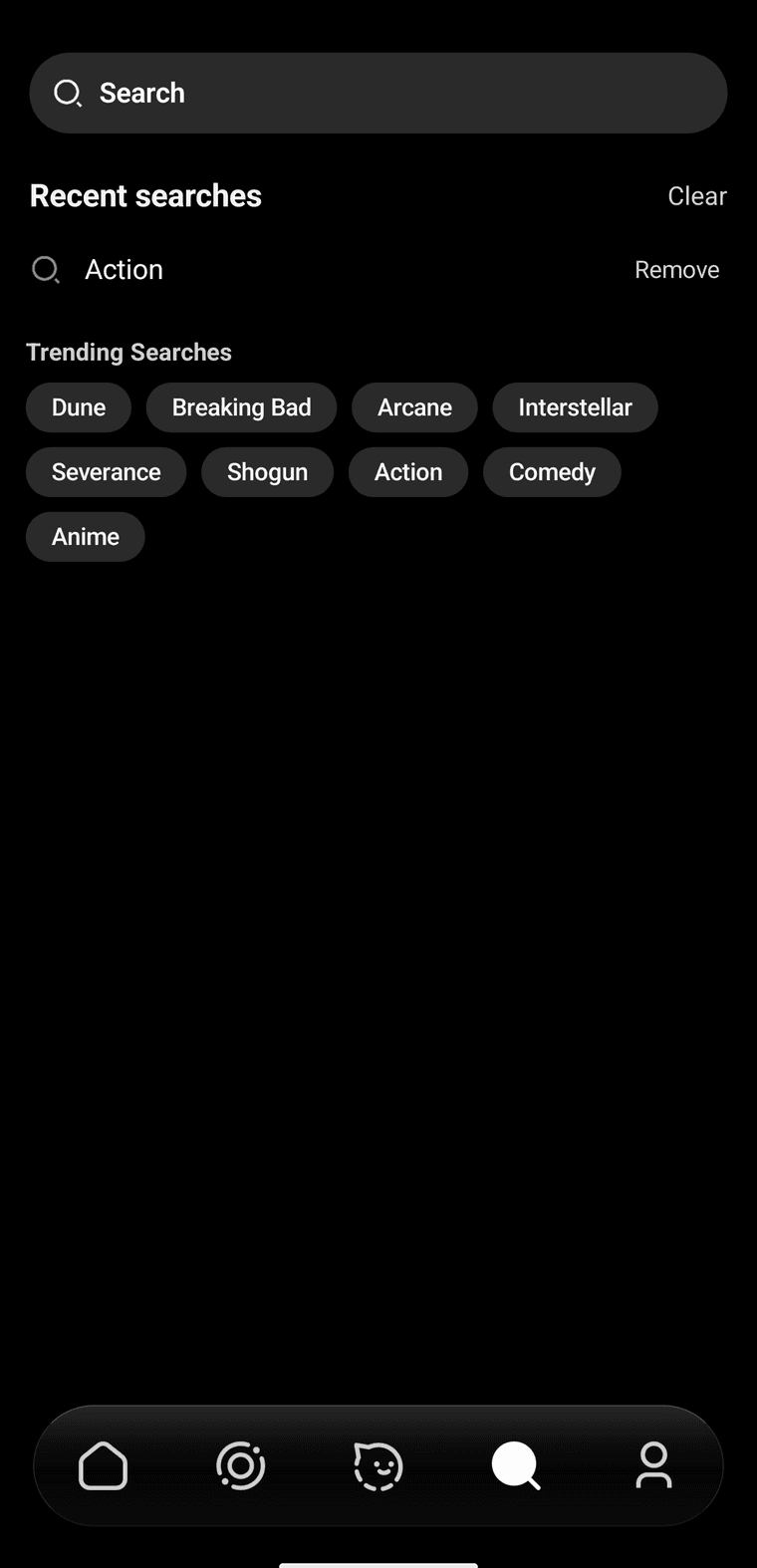
Action is still here because that pill was tapped earlier.
Move them
If you want search closer to your thumb, hold an icon until it grows a little, then slide it left or right. The others move out of the way. Lift your finger when it looks right.
Shiopa remembers the new order the next time you open the app.
From here you can look around.